Vibe Contents Page:
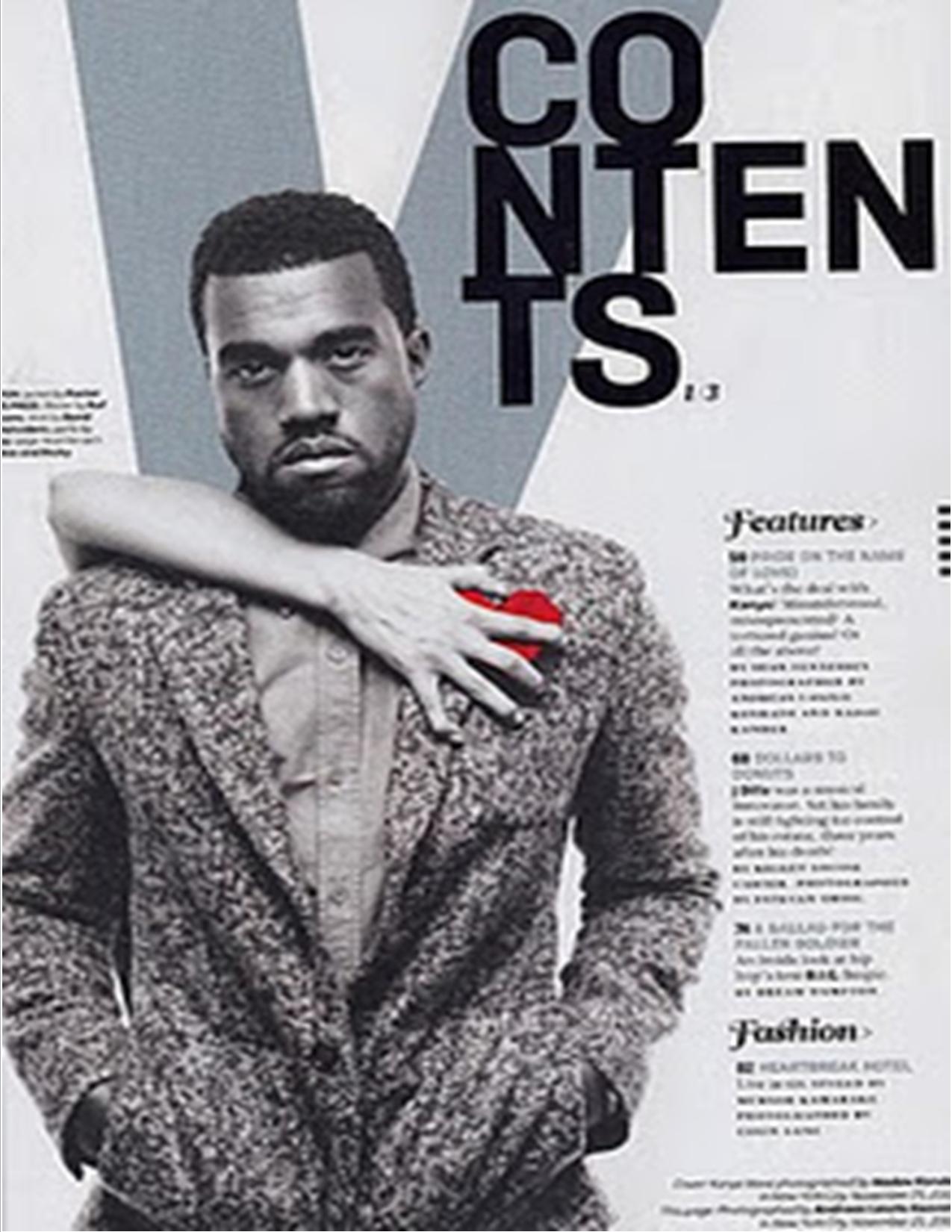
My First Draft Contents Page:

Again like with my cover image there are many things that I still need to change and edit with my cover in order to get it the way in which I want it. As you can see from first glance the size of my picture is to big so in order for it to work in my magazine I am going to need crop it down or add a border to it in order for it to be portrait. I have used Pixlr in order to add the writing onto my image however don't think the font that has been used for the word 'contents' stands out enough so need to look into finding other fonts.

No comments:
Post a Comment